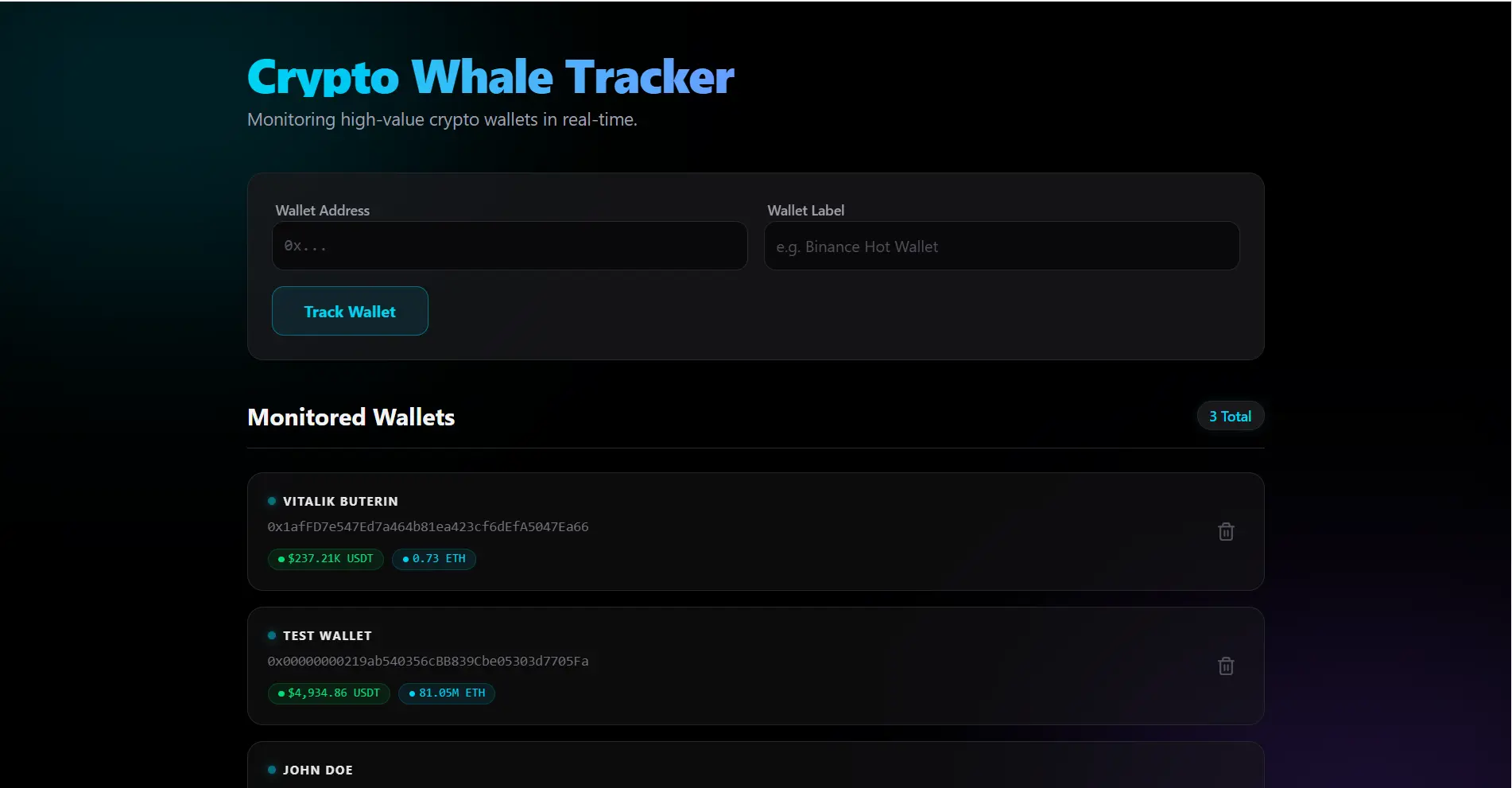
🔗 check the GitHub repository for source code.
Tech Stack
- NestJS 11 — core framework
- Prisma 6 — ORM for database access
- viem 2 — library for blockchain interaction
- @nestjs/schedule — task scheduling for transaction polling
- Next.js 16 + React 19
- SWR — for real-time data fetching and caching
- Tailwind CSS 4 — styling
- Sonner — toast notifications for new transactions
How It Works
viem, checks the balance of tracked wallets, and saves new transactions to the database through Prisma. The frontend uses SWR to regularly query the API and update the UI without a page reload.
Backend Structure (NestJS)
// wallet.scheduler.ts
@Injectable()
export class WalletScheduler {
  constructor(private readonly walletService: WalletService) {}

  @Cron(CronExpression.EVERY_MINUTE)
  async trackWallets() {
    const wallets = await this.walletService.findAll();

    for (const wallet of wallets) {
      const balance = await this.walletService.fetchBalance(wallet.address);
      await this.walletService.saveSnapshot(wallet.id, balance);
    }
  }
}
Fetching Balance via viem
import { createPublicClient, http, formatEther } from 'viem';
import { mainnet } from 'viem/chains';

const client = createPublicClient({
  chain: mainnet,
  transport: http(),
});

const balance = await client.getBalance({
  address: '0xd8dA6BF26964aF9D7eEd9e03E53415D37aA96045',
});

console.log(formatEther(balance)); // '1234.56'
Fetching Data on the Frontend with SWR
const { data: wallets, isLoading } = useSWR(
  '/api/wallets',
  fetcher,
  { refreshInterval: 30000 } // refresh every 30 seconds
);
Running the Project
# Backend
cd api
npm install
npx prisma migrate dev
npm run start:dev

# Frontend
cd web
npm install
npm run dev