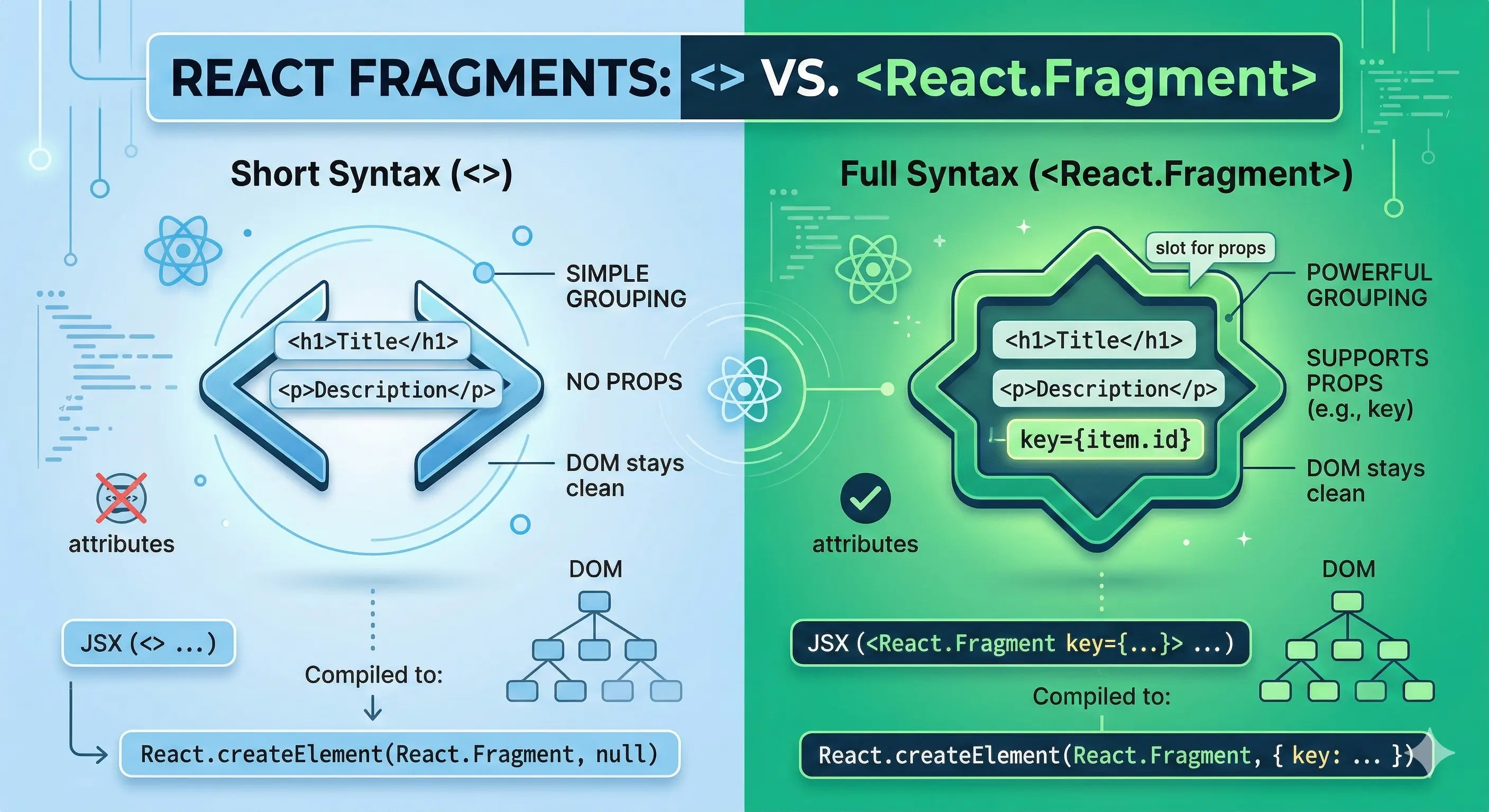
<>) and full (<React.Fragment>) syntax has important technical implications.
Both options solve the same problem — grouping elements without creating an extra DOM node. This is the foundation of clean, semantic markup.
The key difference is in props
Short syntax <>
function Component() {
  return (
    <>
      <h1>Title</h1>
      <p>Description</p>
    </>
  );
}
Full syntax <React.Fragment>
key.
function List({ items }) {
  return items.map((item) => (
    <React.Fragment key={item.id}>
      <dt>{item.term}</dt>
      <dd>{item.description}</dd>
    </React.Fragment>
  ));
}
The technical foundation
// <React.Fragment key={id}> compiles to:
React.createElement(React.Fragment, { key: id })

// <> compiles to:
React.createElement(React.Fragment, null)<>, props is always null — so passing a key is simply not possible. This is not a syntax limitation, it's a consequence of compilation.
Practical rule
key to the short syntax results in an error:
// ❌ Does not work — syntax error
items.map((item) => (
  <key={item.id}>
    <dt>{item.term}</dt>
    <dd>{item.description}</dd>
  </>
));

// ✅ Correct
items.map((item) => (
  <React.Fragment key={item.id}>
    <dt>{item.term}</dt>
    <dd>{item.description}</dd>
  </React.Fragment>
));- Use
<>for static grouping of elements where a key is not needed. - Always use
<React.Fragment key={...}>inside.map()— the key is critical for React's reconciliation algorithm.
<> everywhere? 😅