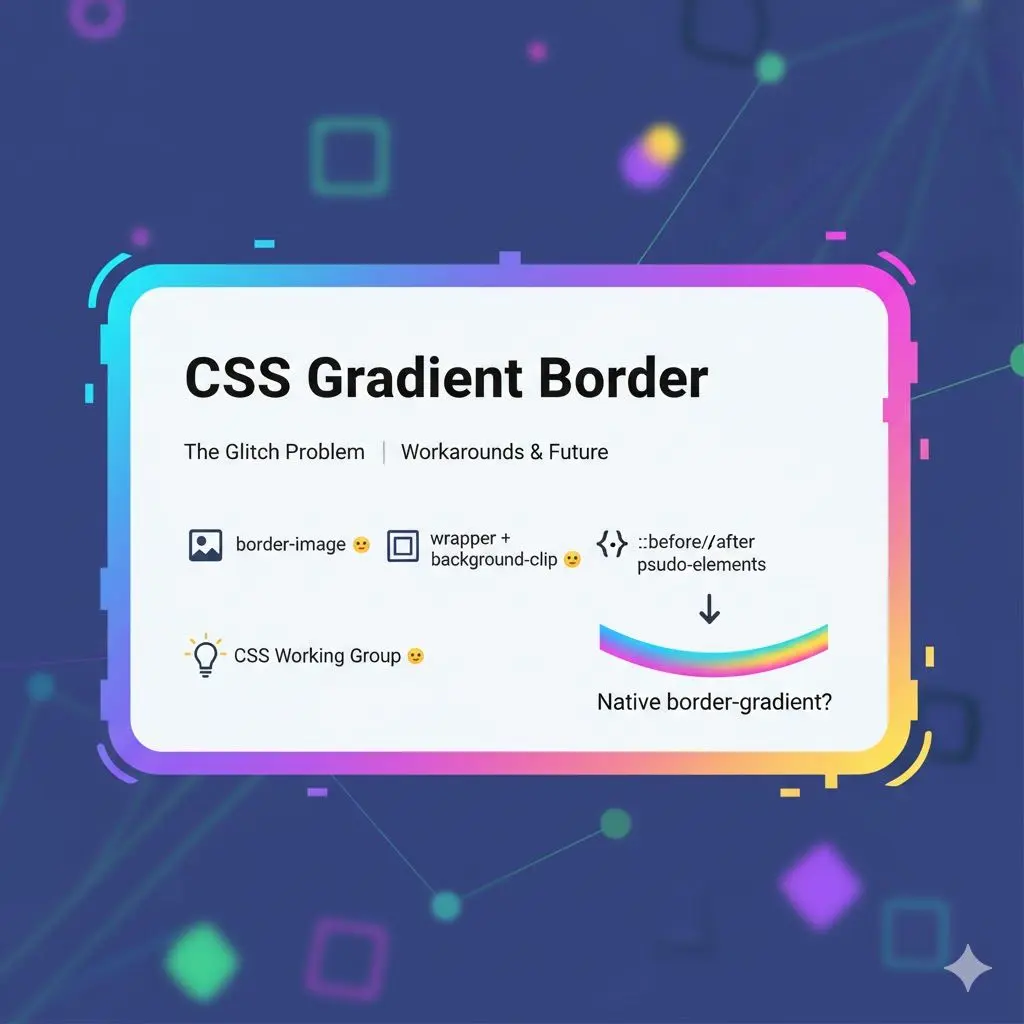
border-gradient property yet. So developers have been working around it for years.
Here are the three most common approaches:
1. border-image
.box {
  border: 3px solid transparent;
  border-image: linear-gradient(90deg, #e96cff, #6c9eff) 1;
}border-image doesn't support border-radius. So if you need rounded corners, this approach won't work.
2. Wrapper + background-clip
.box {
  border: 3px solid transparent;
  border-radius: 12px;
  background: linear-gradient(white, white) padding-box,
              linear-gradient(90deg, #e96cff, #6c9eff) border-box;
}3. Pseudo-elements
.box {
  position: relative;
  border-radius: 12px;
  z-index: 0;
}

.box::before {
  content: '';
  position: absolute;
  inset: -3px;
  border-radius: inherit;
  background: linear-gradient(90deg, #e96cff, #6c9eff);
  z-index: -1;
}What to choose
| Approach | Rounded corners | Transitions | Complexity |
|---|---|---|---|
| border-image | No | Limited | Low |
| background-clip | Yes | Yes | Low |
| Pseudo-element | Yes | Yes | Medium |
background-clip is the sweet spot.
What's coming
border-gradient property. One day this will just work — no jumps, no workarounds.
Until then: pick your workaround and be patient. 💡